![nvolve-logo-140.png]](https://knowledgebase.nvolvegroup.com/hs-fs/hubfs/Logos/nvolve-logo-140.png?height=34&name=nvolve-logo-140.png)
Begin by logging into the Nvolve platform with your Administrator or Manager credentials. Once logged in, proceed to Dashboard tab located under the Learning, Skills & Compliance section.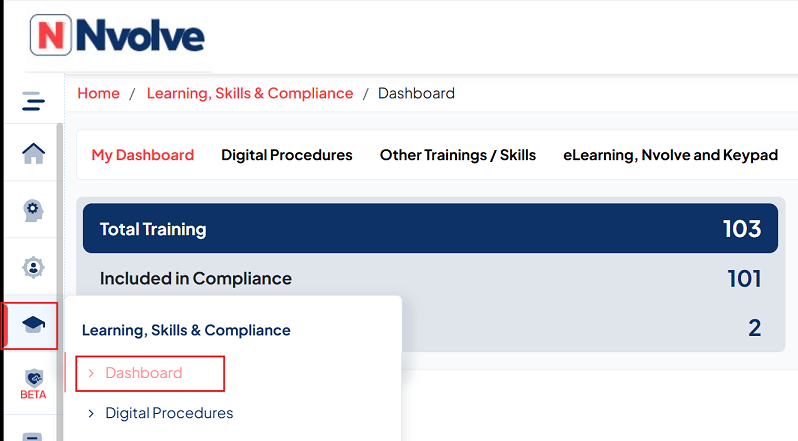
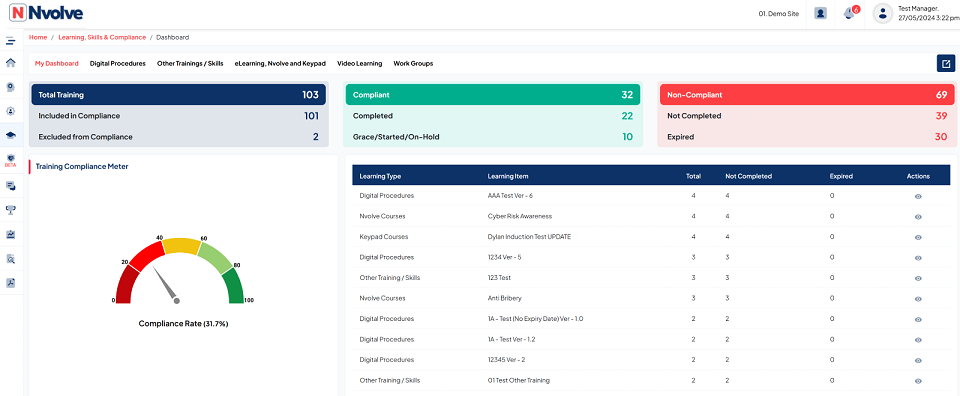
This will provide a comprehensive overview of Learning Compliance, featuring charts that illustrate the Compliance rate, alongside a table detailing the Top Non-Compliant training and outlines expiry details.