![nvolve-logo-140.png]](https://knowledgebase.nvolvegroup.com/hs-fs/hubfs/Logos/nvolve-logo-140.png?height=34&name=nvolve-logo-140.png)
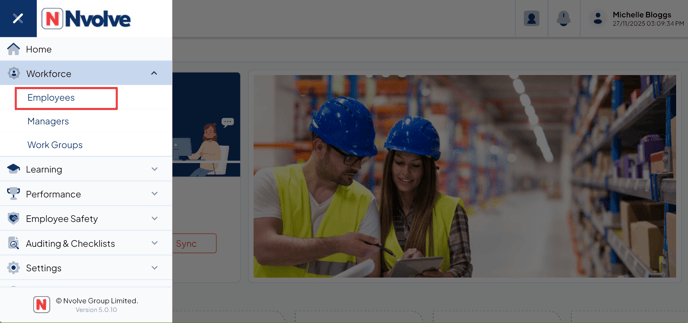
Start by logging in to the tablet app using your manager or admin credentials. Once logged in, open the menu, navigate to the Workforce section, and choose Employees.
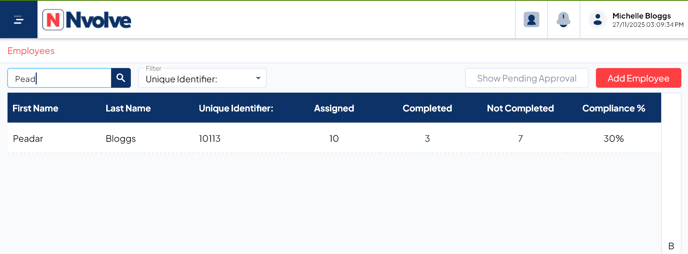
Next, select the employee whose training you wish to refresh by tapping on their name.
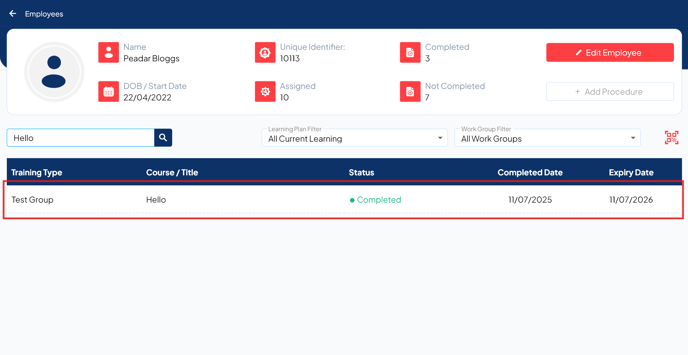
At this stage, select the specific training module you would like to update for the employee.
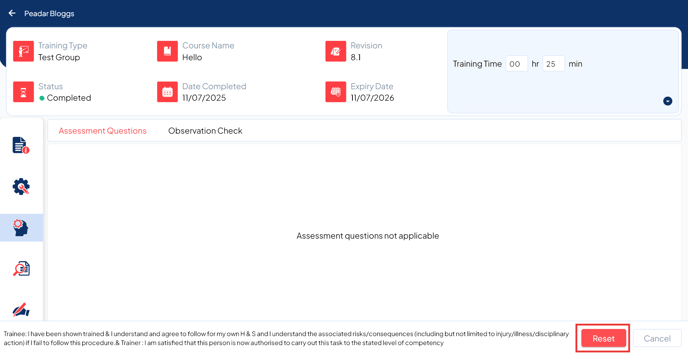
From here, tap ‘Reset’ to reinstate the Grace Period for the selected training. If the employee is ready to complete the training, you can have them sign off to update the training status—simply tap ‘Save’ after their sign-off. Alternatively, if you only wish to refresh the training to the Grace Period without requiring a new sign-off, tap ‘Reset’ followed by ‘Save’.