![nvolve-logo-140.png]](https://knowledgebase.nvolvegroup.com/hs-fs/hubfs/Logos/nvolve-logo-140.png?height=34&name=nvolve-logo-140.png)
From the Group view, navigate to the Digital Procedures page.
First, sign in to the platform with a Group Level user account.
NOTE: In this example we are converting procedures to group level, However the steps are the same for Other Training, Video Learning and eLearning courses.
From the group view head to the Digital Procedures Page. 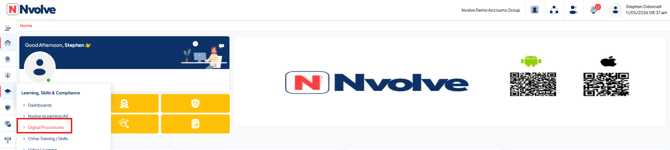
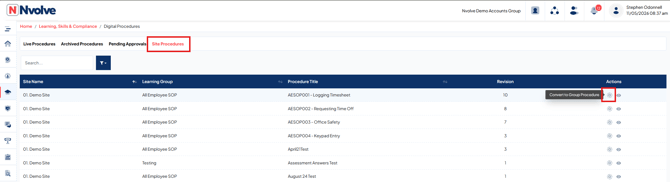
Next, select Site Procedures to view the list of procedures created at site level across all sites. Then select the Convert to Group Procedures button to convert the site-level training to group-level training.